 Why Z
Why ZMy Obsidian homepage: 5 modules + dynamic display
Related code: 002-1homepage template 002-2homepage-dashboard
00:00 引言
00:40 homepage 展示
00:46 快捷操作
01:14 快速导航
02:10 常用项目
02:24 常用模板 + 热力图
03:13 如何实现
05:05 结尾
Intro
We use Obsidian to take notes and often need to capture ideas quickly, but pages end up scattered everywhere. Even when files are neatly organized by category, finding the right one still takes time — and by the time you find it, you may have forgotten what you wanted to write.
I tried piling all my frequent links onto one page, but the list got too long and I had to scroll forever each time. I tried bookmarks too — a bit better than a list, but still not intuitive enough. I looked at various homepage setups online, and none fully matched what I needed, so I built my own. The requirements are actually simple: dynamic display + clean and clear, and the core goal is just one thing — reduce the friction of capturing things.
How to build the homepage
Plugins
| Plugin | What it does |
|---|---|
| Homepage | Makes Obsidian jump to a chosen page every time it opens |
| Dataview | Dynamically queries notes and generates lists (requires enabling JavaScript Queries) |
| Templater | Powers the quick-action buttons to create notes in one click |
| Contribution Graph | The activity heatmap |
| Obsidian ECharts | The word-count heatmap |
CSS snippet
- MCL Multi Column: provides the multi-column card layout. It’s not a plugin — download
MCL Multi Column.cssfrom GitHub, put it in the.obsidian/snippetsfolder, then enable it underSettings → Appearance → CSS snippets. - There’s also one I wrote myself, homepage-columns.css, which adds rounded corners, shadows, and colors to the buttons and cards, and adapts to light/dark themes.
Save 002-2homepage-dashboard as .obsidian/snippets/homepage-columns.css and enable it under Settings → Appearance → CSS snippets. Because the frontmatter sets cssclasses: homepage-dashboard, all the styles apply only to this page and won’t pollute your other notes.
Create homepage.md
Copy and paste 002-1homepage template. After installing the plugins and CSS, just change the links to your own pages.
Install the plugins and CSS
After installing the Homepage plugin, in its settings:
- Set
homepage(this file) as the home page; - Enable Pin homepage — so the home page isn’t overwritten by other notes;
- Enable Open in reading view — so it always shows in reading mode.
This way, every time you open Obsidian it automatically lands on this dashboard page in reading mode.
Don't forget
Enable Enable JavaScript Queries in the Dataview settings, otherwise the
dataviewjsbuttons and the word-count heatmap below won’t render.
Main homepage modules
- Quick actions
- Quick navigation
- Frequent projects
- Frequent templates
- Heatmaps
Summary
The whole homepage is just a combination of a Markdown file + plugins + a bit of CSS:
- Homepage handles “open straight to this page”;
- Dataviewjs buttons + Templater collapse high-frequency actions into a row of buttons;
- multi-column callouts arrange links into cards by scenario;
- Dataview / Tasks keep “recent notes” and “today’s tasks” auto-updating, zero maintenance;
- two heatmaps show the rhythm of sustained output through both file count and word count;
- one scoped CSS snippet unifies the look and adapts to light/dark themes automatically.
It uses no theme-private APIs, so switching themes won’t break it. Tweak the code above to fit your own folders, templates, and frequent pages, and you’ll have a homepage that’s truly your own.
Supplement
Video addenda
CSS
There was a CSS snippet I forgot to mention in the video; it’s been added to this article — see CSS snippet.
Plugins
- Better Word Count — records your daily word count. The word-count heatmap relies on this plugin to tally words.
The obsidian-echarts plugin being delisted
The word-count heatmap in the video uses the Obsidian ECharts plugin, but it has been removed from the community store — you can no longer find it or install it with one click. The repo most likely went without updates/maintenance for a long time, so the team cleared it from the directory.
There are two fixes:
Option 1: Manually install the original plugin from GitHub
The repo is still up: cumany/obsidian-echarts.
- Download
main.jsandmanifest.jsonfrom the repo’s Releases (or source); - Create the folder
.obsidian/plugins/obsidian-echarts/in your vault and drop both files in; - Restart Obsidian and enable it under
Settings → Community plugins.
Pros: you get the exact word-count heatmap from the video. Cons: the plugin is unmaintained and may break with future Obsidian updates.
Option 2: Switch to Contribution Graph
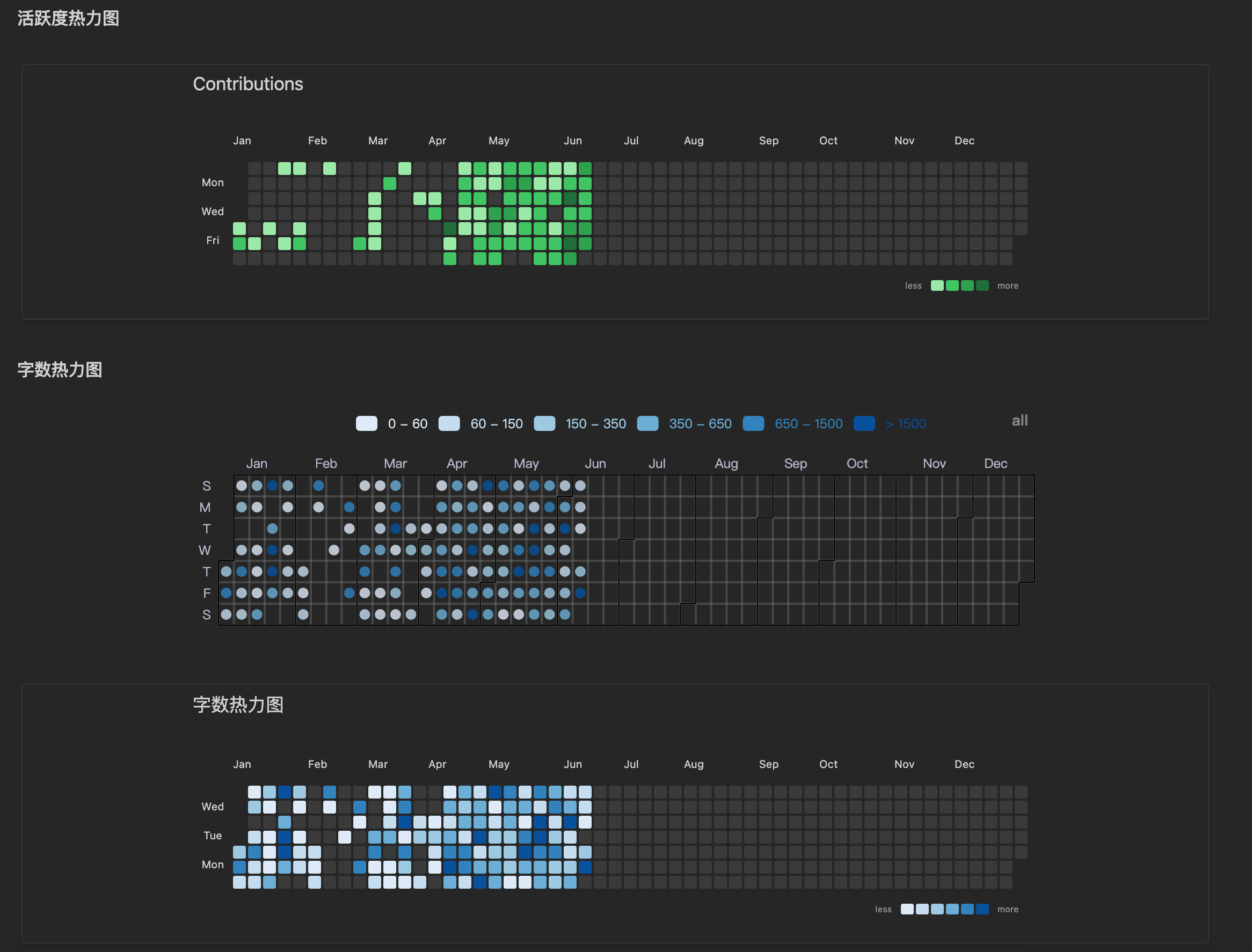
In fact, the word-count heatmap and the activity heatmap can share the same plugin — Contribution Graph.
The new homepage 002-1homepage template keeps all three heatmaps; a side-by-side comparison is below, pick whichever suits you:
Folder structure
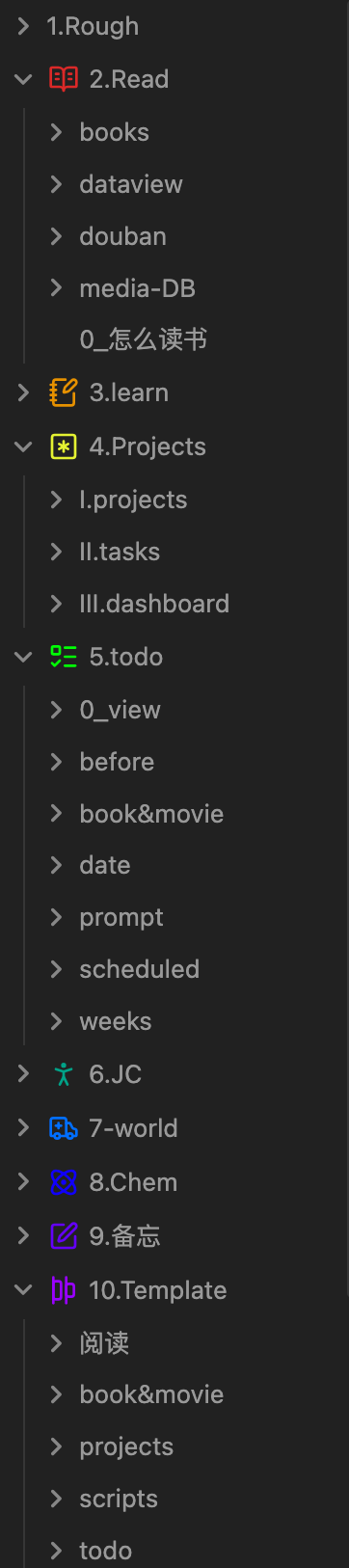
Some folks asked to see the folder structure, so here it is: